Meaning
Explanation
Set your phone to Chinese, French or whichever language you’re studying. When you hit a word you don’t know, tap it, and Cairn explains it right there, without leaving the app you were in.
バー
ケア
Notificationsetd’
Batterieetdel’
et
d’
Meaning
Explanation
Dictionary, reading and audio work offline. Only the explanation asks the network.
Tap Cairn in the shade, or put the tile in Quick Settings. It stays on until you turn it off.
A menu, the keyboard, a chat, a button. Cairn reads the text the screen is already drawing.
Meaning, pronunciation, what the word is doing here, one line of grammar. Then you are back.
Tap a word, or draw a loop around as much as you want. Everything you keep ends up in the app.
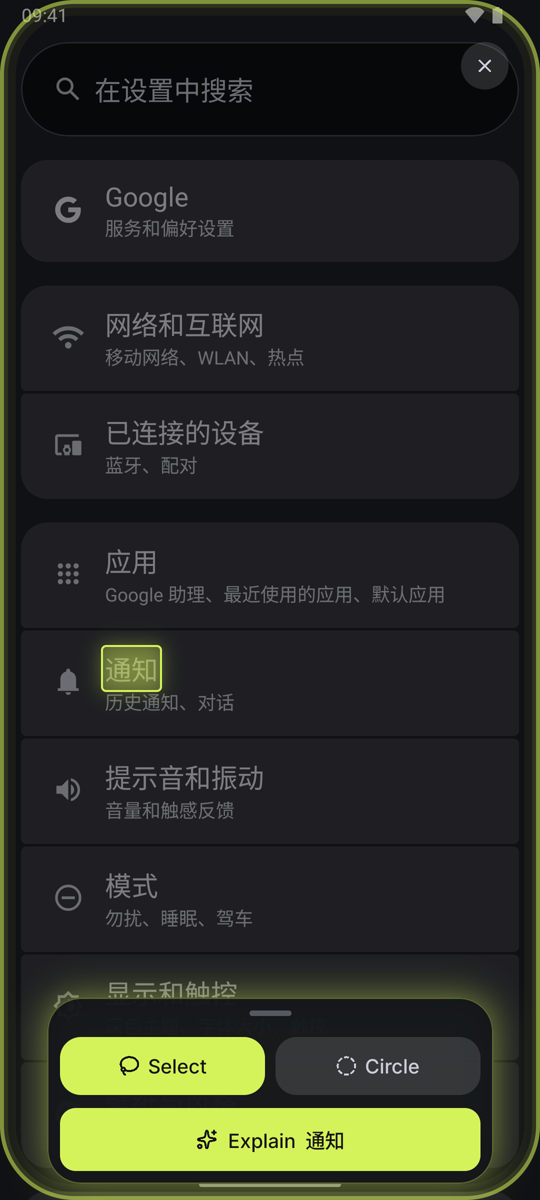
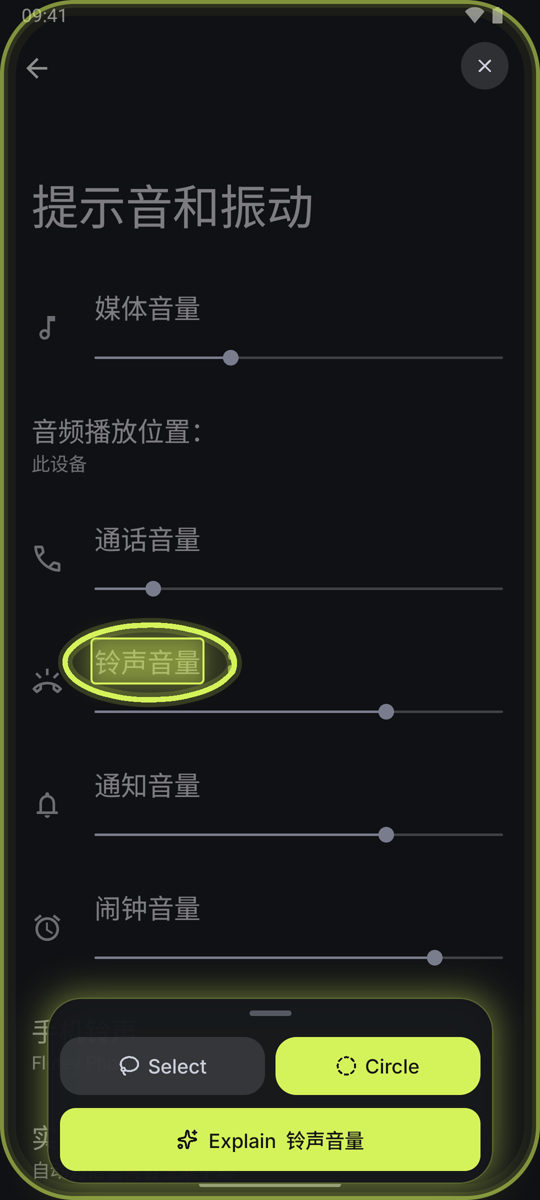
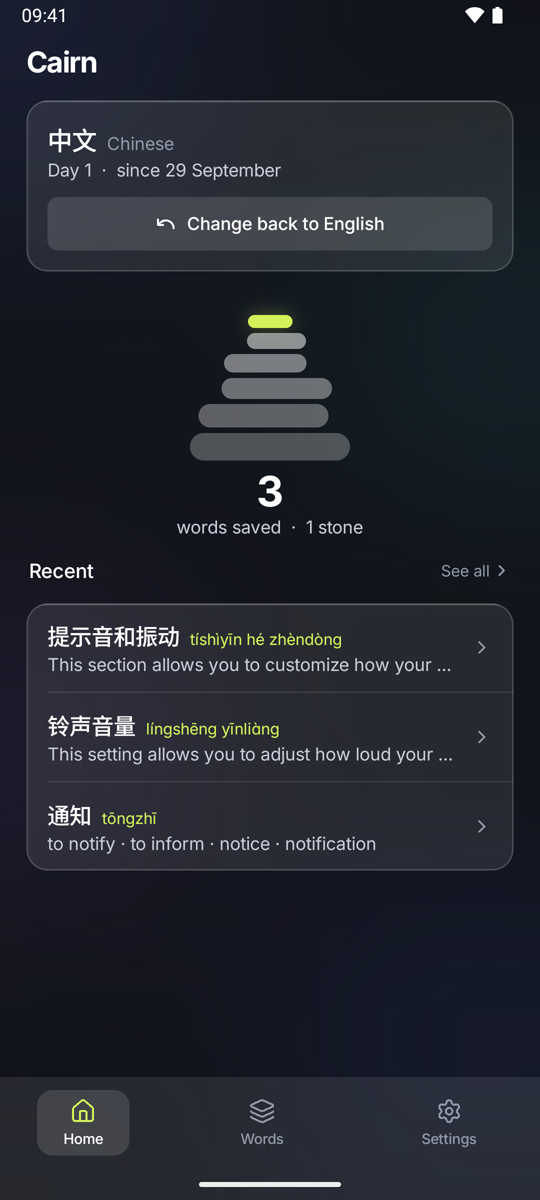
Every word is doing one job in one place, and a dictionary cannot know which.
A translator says
entretien
maintenance
Cairn says
entretien
ɑ̃.tʁə.tjɛ̃
upkeep · maintenance · interview
Maintenance here. The same word is what you call a job interview, which is the sense you are far more likely to meet away from a phone.
Each pack downloads once. The size is what it costs you to fetch.
Not yet Korean · Russian · Arabic · Hindi · Thai · Vietnamese · Indonesian · Turkish · Polish · Dutch · Swedish
Only the AI explanation costs anything to run, so it is the one thing with a weekly limit. Everything else keeps working when you reach it.
AI explanations · 20 a week, 40 signed in
Cairn uses Android’s accessibility service to read text the screen is already drawing. That is a serious permission, so here are its limits.
Cairn is not on the store yet. Google asks for a group of testers first, and the app you would install is the finished one, not a cut-down preview.
Free to start, no account needed, one permission to grant.